In-line programming (Default)
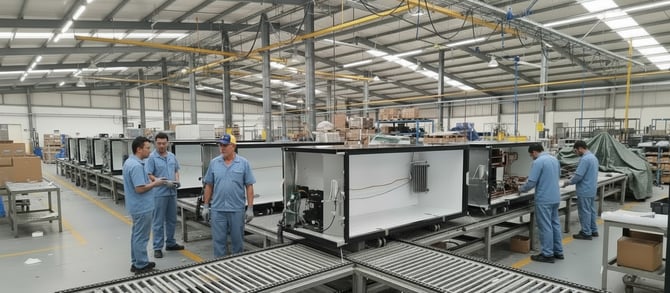
This method is recommended when SCS Controllers are programmed in final assembly at the OEM factory when they are associated with a specific asset or cooler.- This ensures asset number information is written to the SCS Controller.
- Only one controller can be programmed at a time via a single USB port to ensure the scanned serial number and asset number are written to the correct controller.
Batch or bulk programming
We recommend this method when the SCS Controllers already have some information pre-programmed as this will speed up the final assembly process.
- Up to four SCS Controllers can be programmed at the same time via multiple USB ports.
- This process simultaneously programs the same information against multiple SCS Controllers:
- parameters
- firmware
- manufacturer
- owner
- brand
- model
- This process does NOT allow programming of identifiers that are unique to the individual equipment, such as:
- asset number
- equipment serial number
- compressor serial number
NOTE: If you wish to use batch programming, please speak to your AoFrio representative. There are several consequences and processes that must be discussed beforehand.
Adding a Gateway?
There are a number of options for OEMs to configure and set up the association with an SCS Controller when installing a Gateway into a new cooler. Each OEM should review the options and select the one that best suits their manufacturing and supply process. Refer to the Gateway - Installation manual for New Build / OEM (AO130)