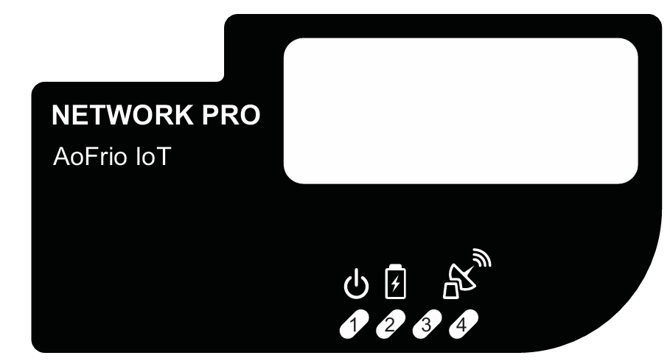
Each Network Pro features four LED indicators. Depending on the operating mode, the LEDs flash in sequence with the following meanings.
| LED | Purpose | Behavior |
| LED 1 | External power status |
|
| LED 2 | Battery charging status |
turn off. |
| LED 3 | Cellular module power status |
|
| LED 4 | Cellular network connectivity status |
|